If your pool cleaner moves but leaves debris behind, start by finding where collection fails: at the inlet, in the bag or filter, or because the cleaner never reaches the dirty patch. A loaded collection filter, unsuitable media or incorrect setup deserves a check before you buy replacement equipment.
Watch from the deck, with swimmers out. Then shut down and isolate all relevant power and suction according to the equipment instructions before touching the cleaner or its connections. For a machine that has stopped moving entirely, use our separate cleaner-not-moving guide.
Watch one dirty area, not just the wheels
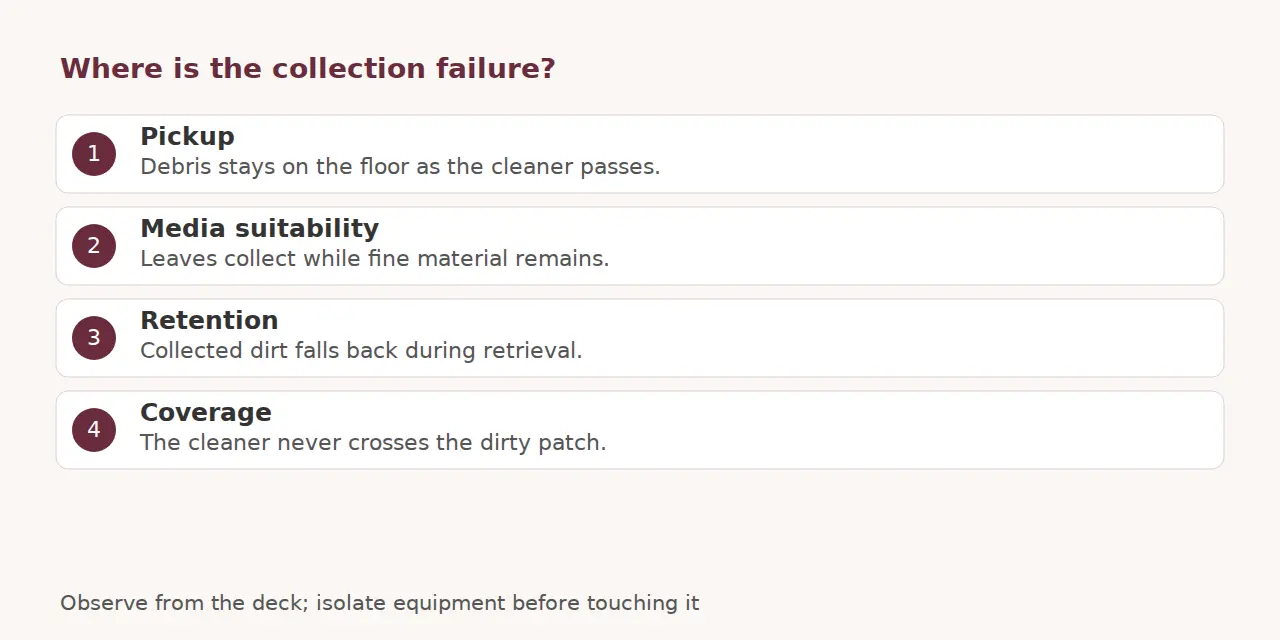
Note what happens when the cleaner passes a visible patch during normal approved operation. Leaves staying ahead of the opening suggest a different question from dirt entering and escaping again. If the machine never crosses the patch, collection has not yet been tested there.
- Debris stays on the floor: inspect permitted intake access and the relevant flow or onboard filter path.
- Leaves collect but fine dirt remains: confirm the installed collection media suits that material.
- Debris escapes during retrieval: check the retention components and removal routine.
- Only corners or steps stay dirty: review documented reach and coverage.
These observations organize the investigation; they do not identify an internal failed part. Photograph the remaining patch and record the debris type, cycle and recent maintenance for a service provider.
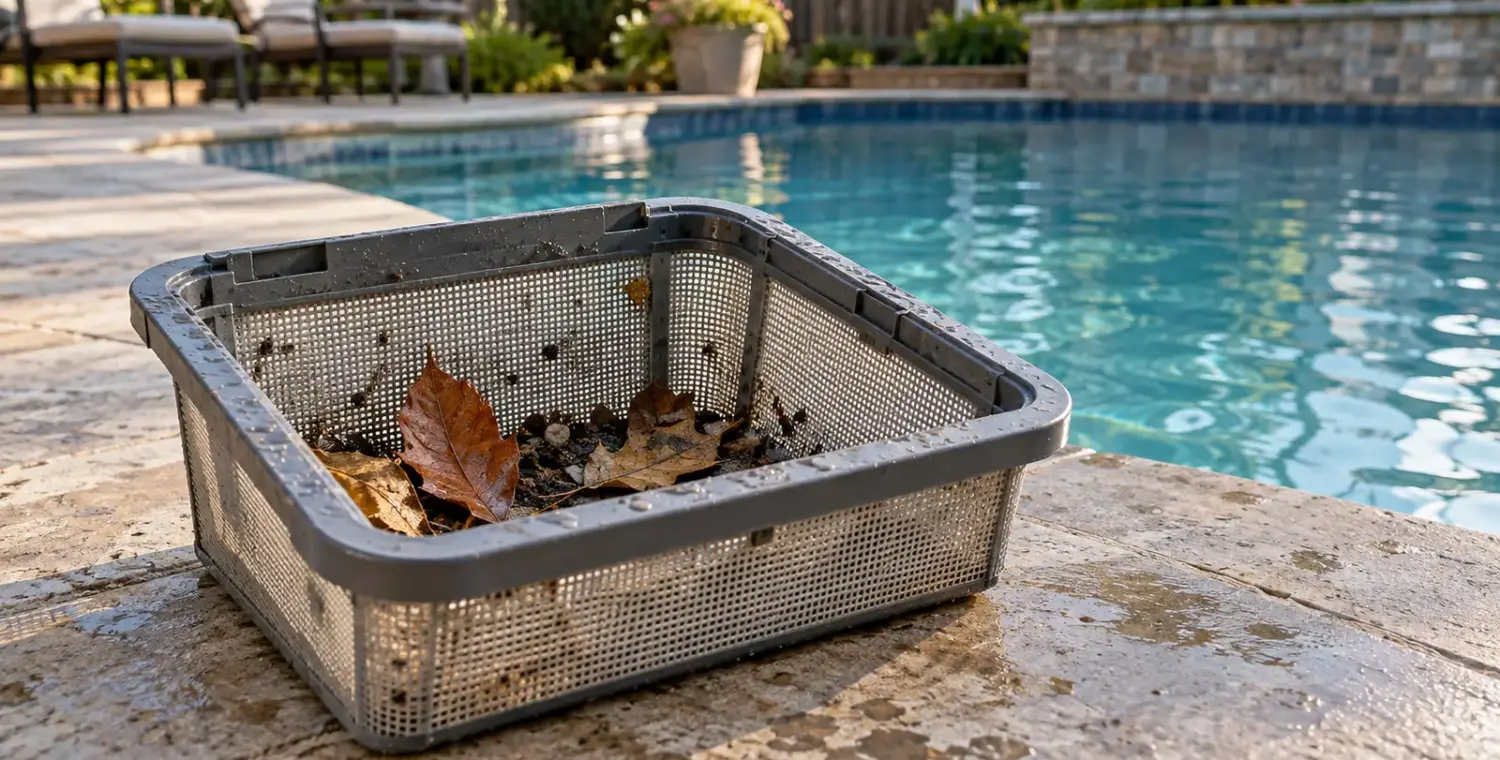
Check the collection container after isolation
Find where your model sends dirt. A suction cleaner uses the connected pool collection path; a pressure model may have its own bag, and a robot generally carries onboard media. Our cleaner-types guide explains those arrangements.
Empty and clean accessible baskets, bags or panels using the owner procedure. Inspect for obvious damage, an open closure or incorrect seating before reinstalling. Keep approved collection parts fitted; running without them is a poor shortcut for testing whether suction improves.
Suction cleaner: verify the approved flow setup
Use the model’s documented flow check rather than treating visible movement as proof of correct collection flow. The REBEL manual illustrates a supplied flow gauge and identifies filter and basket restrictions, priming problems and hose setup as performance factors.
Inspect accessible hose connections and kinks with the pump safely isolated. Follow the installed system’s permitted basket routine. If the main filter needs service, use its shutdown and pressure-release instructions separately. Our filter-pressure guide helps identify abnormal system observations.
Stop for loss of prime, abnormal pressure or uncertain plumbing. Avoid changing an unfamiliar drain-valve arrangement or increasing speed until the cleaner appears stronger. Model-specific flow and coverage requirements govern the adjustment.
Pressure cleaner: distinguish the bag from the supply screen
The collection bag retains debris; an inline supply screen serves a separate part of the cleaner’s water path. Consult the Vac-Sweep 280 manual as a model example: it describes both bag reattachment and screen cleaning, and recommends emptying that bag at half full, particularly for sand.
For your own cleaner, check the permitted bag closure, attachment and load after shutdown. Clean the approved supply screen through its exact procedure. Persistent poor pickup with an intact, correctly fitted bag calls for documented supply checks or service, rather than removing restrictors or bypassing relief devices.
Robot: match filtration to the remaining debris
A leaf-capable basket and a fine-particle option do different jobs. Dolphin cleaning support connects media selection with debris type and explains that clogged filters interfere with suction. Confirm the allowed option for your model; avoid transferring another machine’s micron claims or attachments.
After safe isolation, clean and correctly reinstall the removable collection components. Use only the owner’s permitted intake inspection. Leave inaccessible impellers, sealed electronics and internal repairs to qualified service.
If dirt falls back while you retrieve the robot, investigate that specific event. The manufacturer’s retention FAQ highlights filter load and a seated, unobstructed non-return debris flap where fitted. Follow the actual removal instructions and lift using the prescribed handle, never by the cable.
Retest one permitted change, then escalate
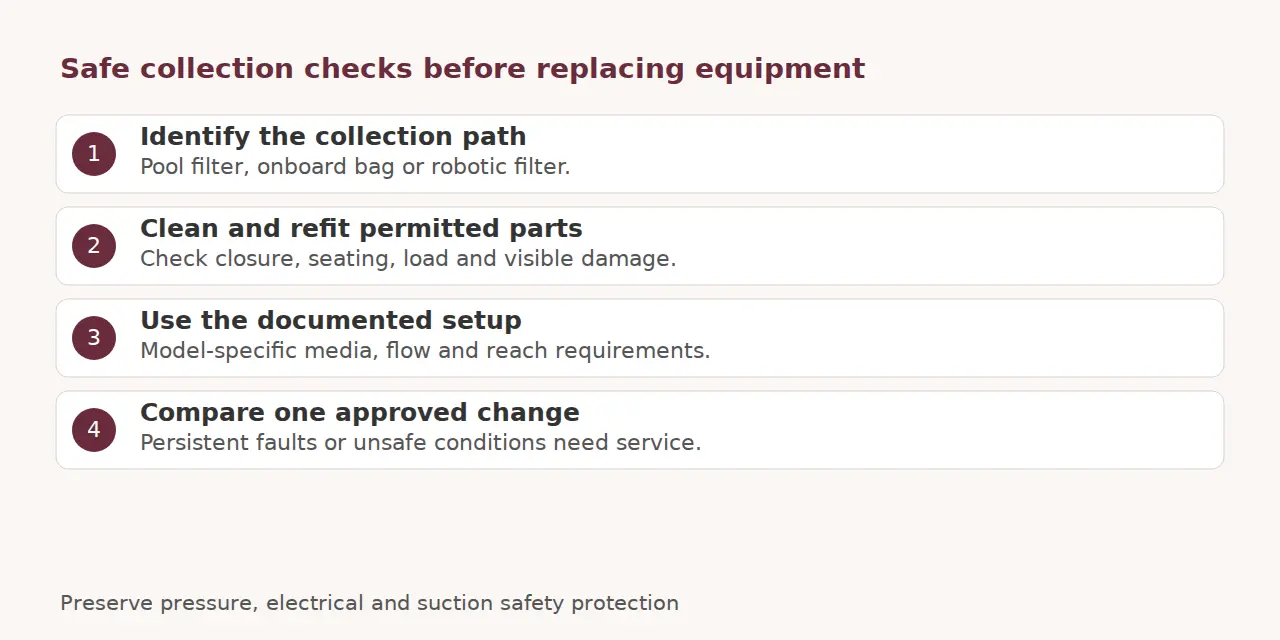
Run the approved cycle after reassembly and compare the same area. Separate an untouched patch from material stirred into suspension or apparently emerging from a return. Record those patterns rather than diagnosing a cracked filter or buying another cleaner from appearance alone.
Some steps and ledges require separate owner cleaning because the model’s coverage excludes them. Keep that task within safe deck access. Cleaner results also leave sanitation testing necessary; CDC guidance covers the chemical checks.
Stop for damaged wiring, GFCI trips, pressure leaks or damaged suction covers. Robot safety instructions require electrical isolation for examination, while CPSC safety guidance warns against suction openings and unsafe drain covers. Give qualified service the model, collection configuration, observations and checks completed. Preserve safety devices and avoid hazardous powered demonstrations.
Research checked 2026-10-03.
Sources and references
- CDC: Home Pool Water Treatment and Testing
- CPSC: Pool Safely Safety Tips
- Pentair: REBEL Installation and User Guide
- Polaris: Vac-Sweep 280 Owner Manual
- Hayward: Robot Cleaner Safety Instructions 8180000 Rev01
- Maytronics: Robot Is Not Cleaning Properly
- Maytronics: Debris Falls Out When Removing Robot