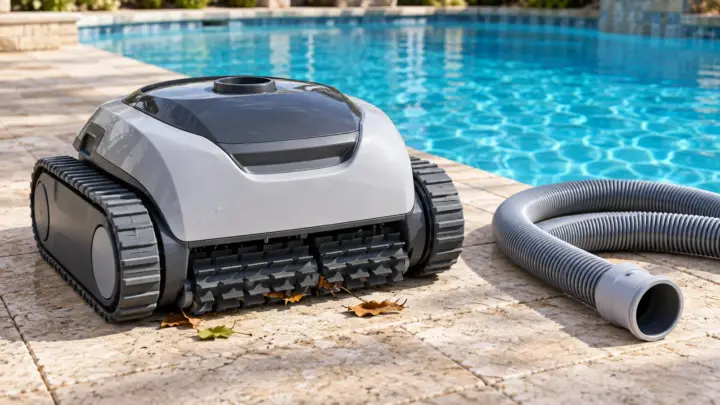
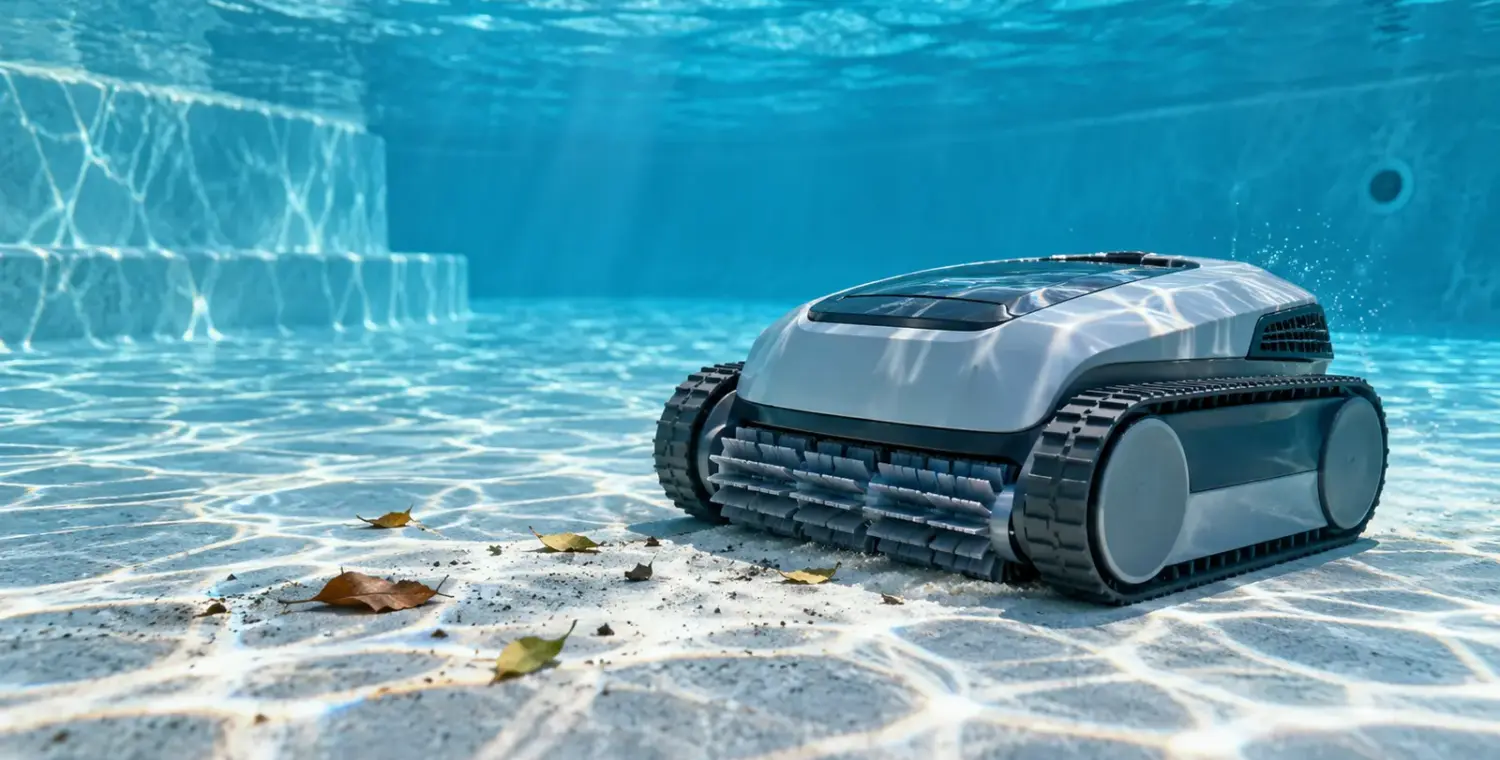
Use a robotic pool cleaner as often as your pool actually needs it and as often as the manufacturer allows. There isn’t a universal daily or weekly schedule that makes sense for every pool. A sheltered, lightly used pool may need fewer passes than one under trees, while a storm can justify an extra cleanup outside the usual routine.
Choose the schedule by looking at the floor, checking the collection basket and reviewing the result after a normal cycle. Add cleaning when debris builds up between passes; reduce unnecessary passes when the pool stays clean. Keep the pool’s filtration, water testing and sanitizer care on their own schedules.
Separate cleaning frequency from cycle length
Frequency means how often you start the cleaner. Cycle length means how long its selected program runs. Those settings are related, but they are not interchangeable. A floor-only cycle may be appropriate for settled grit, while a supported full-pool cycle addresses a different coverage goal.
Use the options documented for your exact model. Pentair’s Prowler 930W support material describes scheduled cleaning and spot-cleaning choices; it does not establish a minimum run time for all robots. Do not assume your cleaner has the same programs, timer behavior or wall-climbing ability.
Before using a timer, read what happens after a power interruption and how the program repeats. Confirm whether the schedule resets, remains stored or needs restarting. A setting that looks like a duration may actually select an interval or cleaning mode. The model’s manual is the place to resolve that ambiguity.
Build a schedule from the debris you actually see
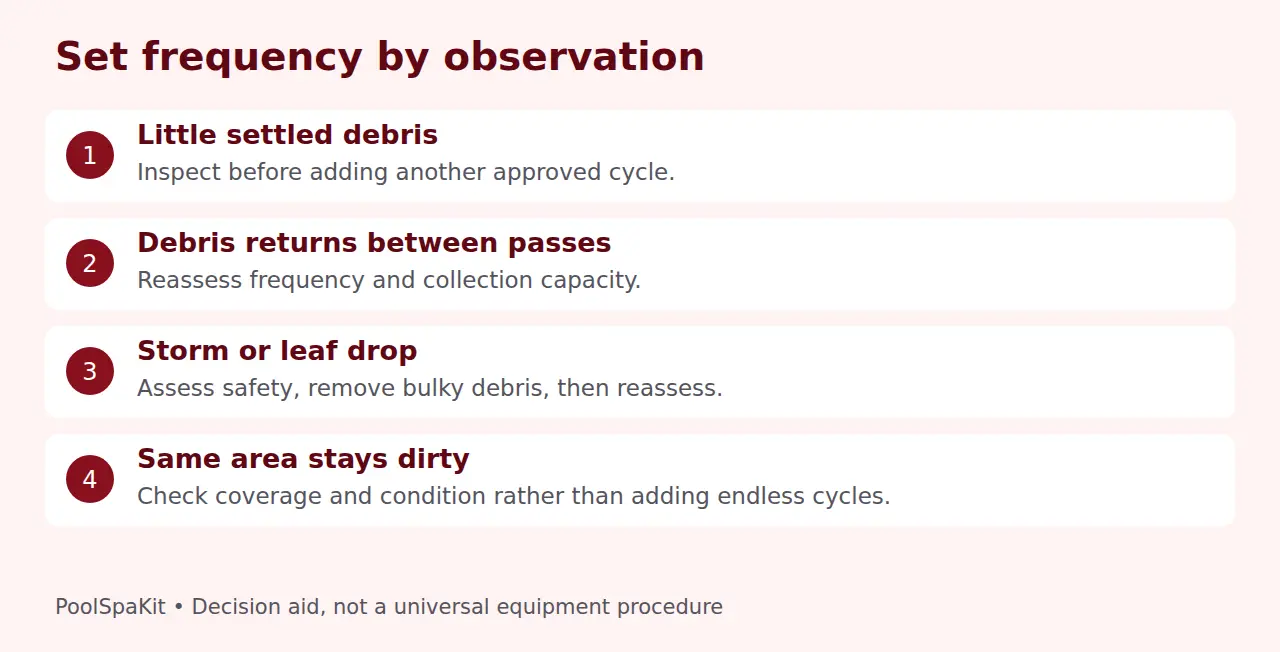
Start with one manufacturer-approved cycle when the pool needs cleaning. Note what it collects and what remains. Check the same places before the next planned pass: the deep end, the windward side, corners and areas below nearby trees. This gives you a practical baseline without pretending that a calendar can measure your debris load.
For a quiet pool with little settled debris, inspect before adding another cycle. For an exposed pool where leaves or grit return quickly, plan more frequent checks and a cleaning opportunity before buildup becomes difficult to manage. These are observation-based decisions, not promises that every cleaner can handle any load.
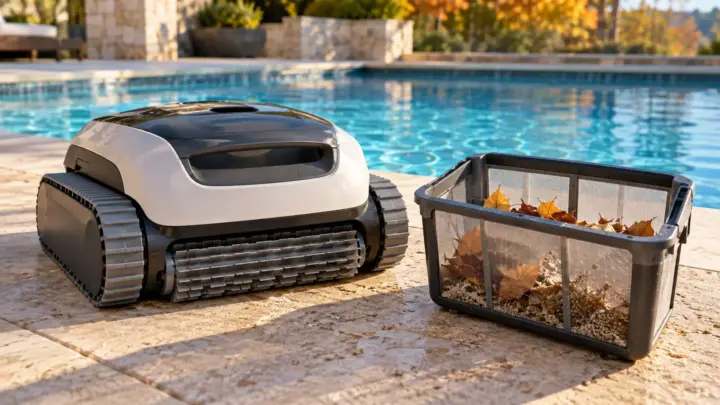
Skim bulky floating debris first where you can do so safely from the deck. A bottom-cleaning robot is not necessarily a surface skimmer. If the basket fills during a pass, follow the shutdown and retrieval instructions, empty it and reassess the load rather than repeatedly running a restricted machine.
Use season and swimming activity as prompts to reassess
Season matters because the conditions around the pool change. Leaf drop, windy weather and landscaping work may increase cleanup even when nobody swims. A covered pool may collect less debris while covered, but removing the cover can introduce material that still needs attention.
Swimming activity is another reason to inspect, not a formula for a specific number of robot cycles. A busy weekend may bring tracked-in dirt and toys. Before restarting, remove objects that could obstruct the cleaner as directed. Plan the cleaning window around pool use so the robot is out before swimmers enter.
After a storm, assess the pool and equipment safely before using powered equipment. Stop if there is damaged wiring, unsafe visibility or an equipment problem. Extra debris removal is only one part of storm recovery; water testing and any needed equipment inspection remain separate tasks.
Our weekly pool maintenance checklist helps coordinate brushing, skimming and basket care without turning robot use into a substitute for the whole routine.
A robot does not replace circulation or water testing
A robotic cleaner can collect material in its own filter while moving around the pool. That is different from the installed circulation system. Pentair explicitly describes the Prowler 930W as independent of the main filtration system. Its run time therefore is not a replacement calculation for the pool pump’s run time.
Keep circulation decisions tied to your installation and water-care needs. Use the pool pump run-time guide for that separate question. Reducing the pump schedule simply because the robot operated overlooks tasks the installed system still needs to perform.
Likewise, a clean-looking floor does not show that disinfectant and pH are suitable. CDC treats chlorine and pH checks as essential home-pool care. Continue your pool water testing schedule and respond to actual readings, not the appearance of the cleaner’s basket.
If water becomes cloudy or algae is suspected, investigate the cause before adding robot cycles. Do not present longer robot operation as a cure for unsuitable swimming conditions. Follow product guidance on keeping equipment out during chemical adjustments and on when it may be returned.
Decide whether the cleaner may stay in the water
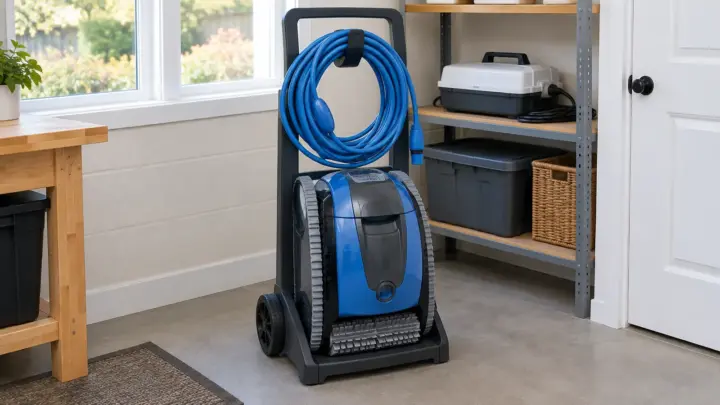
Storage guidance is model-specific. Maytronics recommends removing a Dolphin after a cycle to empty and clean the filters and storing it dry away from direct sun. Its FAQ also permits a week in the water for models with a weekly timer or Eco Mode, subject to the stated conditions. Those are distinct instructions for supported equipment.
Whether a robot can stay in the water depends on the model. Follow the manual that came with your cleaner, and use the manufacturer for clarification if a general FAQ says something different. An automatic timer does not by itself authorize indefinite immersion.
Even a permitted in-water timer arrangement does not remove the swimmer restriction. Maytronics and Hayward’s safety instructions say to remove the robot before swimming. Arrange the schedule so retrieval is realistic; do not rely on a robot merely being stopped on the bottom.
For cordless models, use only their documented charging and dry-handling arrangements. Do not adapt corded-cleaner power guidance to a battery unit. Avoid unattended repeated operation when the manual calls for inspection or when you cannot check the cleaner afterward.
Review the basket and coverage after each trial
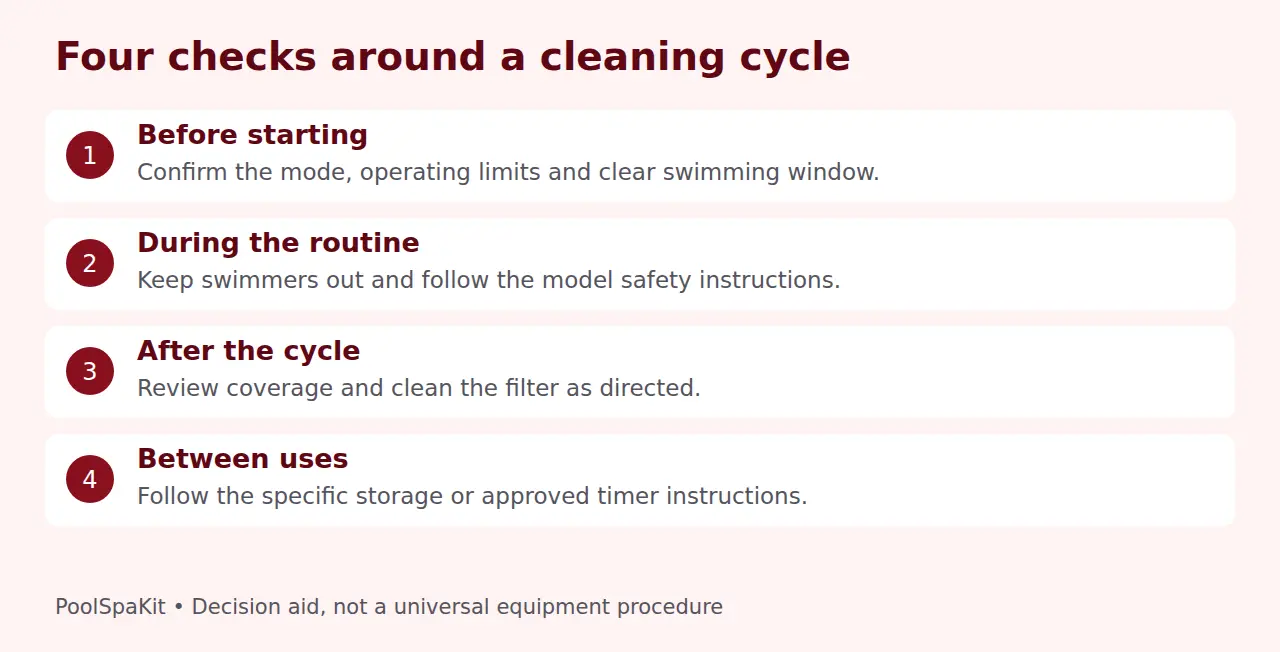
Look for a useful result, not just elapsed time. Did the cleaner reach the dirty areas? Did its filter retain the material? Did the basket become heavily loaded? A shorter interval between cleanings may help manage recurring debris, but it will not fix the wrong cleaning mode or a coverage limitation.
Check filter care in the manual. Maytronics’ maintenance guidance emphasizes rinsing filters after removal and notes that a clogged filter restricts water flow. Its timer FAQ gives a different filter-cleaning checkpoint for permitted weekly operation. Use the applicable instruction, and check sooner when heavy debris or reduced performance makes attention necessary.
If the cleaner repeats the same missed area, stops early or moves abnormally, review the documented troubleshooting instead of increasing run time indefinitely. Track what changed: the filter, mode, obstacles or water conditions. A problem with movement is an equipment question, not simply a scheduling question.
Keep a small note for a week or two: debris before cleaning, cycle selected, basket condition and result. This is an optional homeowner observation log, not a manufacturer maintenance interval. It helps identify whether extra cycles produce meaningful improvement.
Electrical and retrieval boundaries
Follow the supplied safety instructions for GFCI protection, power-supply placement and retrieval. Hayward warns against extension cords and requires disconnection before inspection. Do not place a power supply where it may enter the water or stretch an unsuitable connection to make a timer convenient.
A damaged cable, repeated protective-device trip or wet electrical equipment is a reason to stop and obtain qualified help. CPSC identifies electricity around pools as a serious hazard. Do not bypass GFCI protection, open an energized power supply or troubleshoot by putting a hand near a moving mechanism.
Use the approved handle or retrieval method, rather than lifting by an electrical cable unless the manual explicitly directs a particular step. Follow the cleaner’s drainage and handling instructions. Choose a routine you can perform safely, even when the cleaner is wet and heavier than it looks.
Common scheduling questions
Should I run the robot every day?
Daily use may be a supported option for some equipment and debris conditions, but it is not a requirement for every pool. Check the floor and basket, the manufacturer’s operating limits and whether daily retrieval and maintenance are manageable.
Can I run it overnight?
Only if the equipment and its installation permit the planned operation. Consider the documented timer behavior, expected debris, power arrangement and the next swimming session. Nighttime operation does not remove inspection or swimmer-safety responsibilities.
Why is the pool still dirty after a full cycle?
Check the selected mode, filter condition and whether the model can reach the area. Some locations need brushing or manual cleanup. Repeated full cycles are not evidence that an unsuitable cleaner will eventually cover every surface.
Research checked October 1, 2026. We only claim hands-on testing when we’ve actually tested the product ourselves.
Sources and references
- CDC: Home Pool and Hot Tub Water Treatment and Testing
- CPSC: Electrical safety around pools
- Hayward: Robotic Cleaner Safety Instructions, 8180000 Rev 01
- Maytronics: How long can I leave my Dolphin in the pool?
- Maytronics: How to Maintain Your Robotic Pool Cleaner
- Pentair: Prowler 930W Robotic Cleaner Support