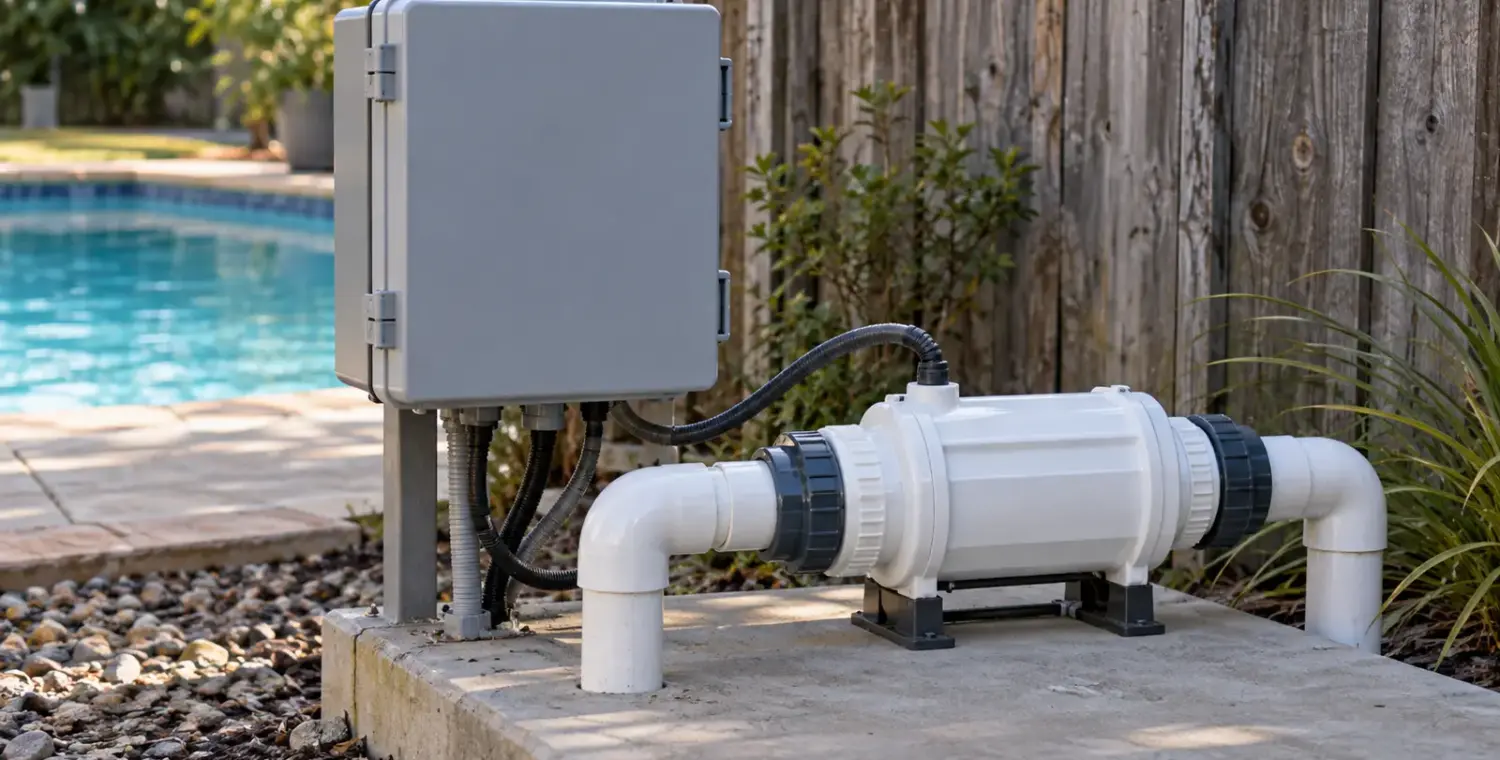
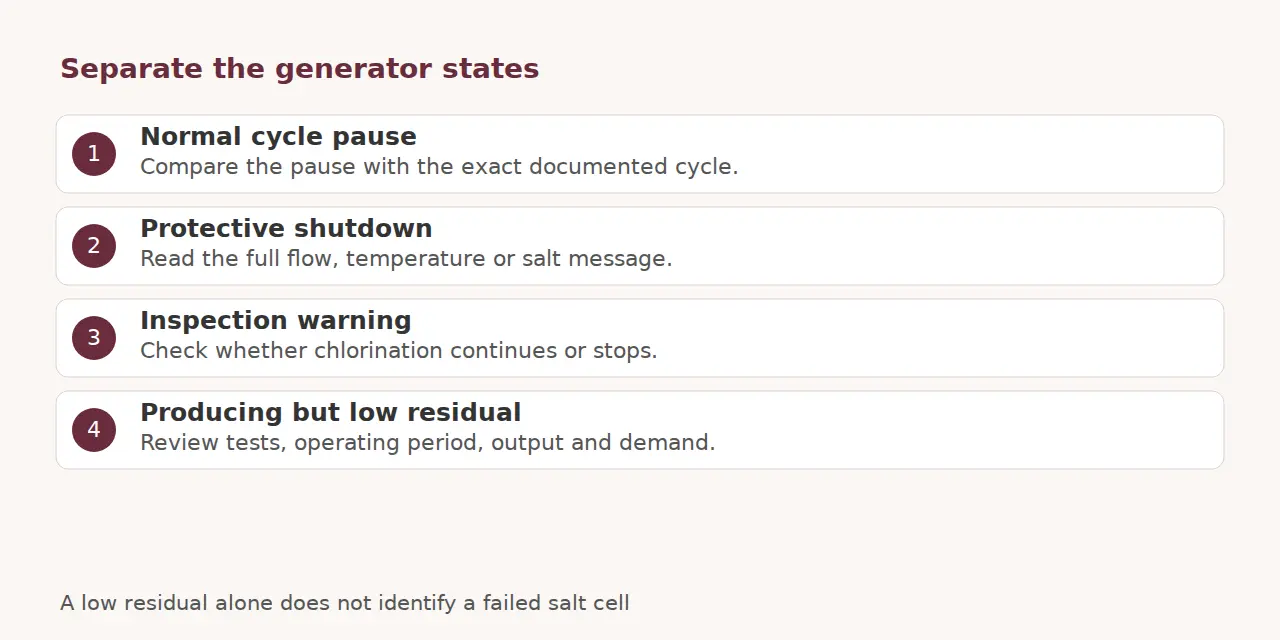
Start with the generator’s actual status message and a verified free-chlorine test. Then check the model’s flow, salinity and water-temperature requirements and the active output schedule. A low residual alone cannot identify a failed cell; the useful first distinction is whether the system is paused, shut down or producing too little for demand.
Keep swimmers out when sanitation is unverified. Leave electrical enclosures closed and keep every flow switch and safety interlock active throughout these checks.
Record the state before changing settings
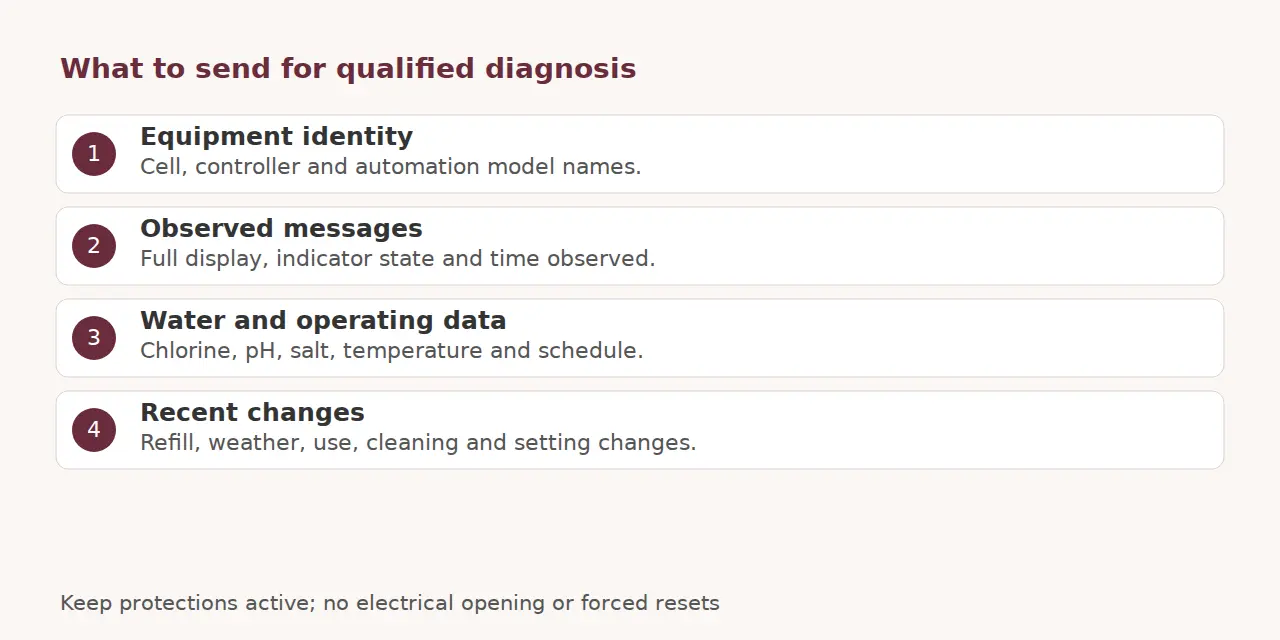
Photograph the display and write down the cell, controller and automation models. Include the time, water temperature, salt measurement, free chlorine, pH, output setting and pump schedule. Note recent refill, cleaning, weather and unusually heavy use.
Look at the status when circulation should be running. Some cells have an off-period within the production cycle; the iChlor guide explicitly describes that possibility. Compare the observed pause with the model’s documented cycle rather than resetting repeatedly.
Follow the message’s branch
Flow warning
Observe whether normal return flow is present and whether the pump has a visible warning. Check accessible water level and basket condition through the equipment’s safe owner procedure. A dirty filter, lost prime, obstruction or changed valve arrangement belongs in the investigation; unfamiliar valves need professional identification.
The iChlor chart associates its red flow indication with insufficient flow and also lists a failed switch as a possibility. That is a service distinction, not permission to defeat the switch. Never energize a generator without the required circulation.
Cold-water status
Compare measured water temperature with the exact manual’s production limit. In the cited iChlor guide, “COLD” identifies standby without production. Its temperature cutoff protects the cell; another model’s limit can differ. Keep a suitable water-care plan rather than trying to override a cold shutdown.
Cell inspection or system fault
Read the complete message, including whether chlorination continues. The Plus/LT message table distinguishes an inspection warning while chlorinating from a cell-related system-off state. Cleaning is one possible branch, not a diagnosis of every warning.
Arrange inspection through the exact removal and cleaning instructions. Isolate power, prevent restart and fully relieve pressure before any permitted cell removal. Persistent sensor, communication, power or safety-lock errors need qualified service; avoid entering online reset codes to force production.
Confirm salt before adding any
Compare a supported independent salinity test with the controller reading. The AquaRite Pro manual explains that instant and averaged readings can differ because of fresh additions, deposits or aging. Record both and follow the maker’s confirmation method.
Low- and high-salt messages have different responses. Adding salt to an inaccurate reading can create another problem. Use the exact model’s permitted range, verified volume and addition procedure; seek a safe plan before any proposed water replacement. Once the low reading is confirmed, the salt calculator estimates how much to add; the target salinity comes from your generator manual.
If it is producing, check output against demand
Confirm which controller owns the setting and whether its operating request is active. Review the commissioned runtime and output against the test trend. A percentage is a production setting, not a chlorine measurement. Use our saltwater basics and pump-runtime guide for that wider planning.
A surprising zero after treatment also needs test confirmation. CDC testing guidance warns of false-low DPD results above 10 ppm. Follow the kit’s confirmation procedure and the low-chlorine diagnostic, including demand and stabilizer context, before repeated chemical additions.
Make the service handoff useful
Send the recorded message, models, test results and changes already made. Ask whether the fault concerns operating conditions, a sensor, the cell or controls. Stop owner troubleshooting for repeated breaker trips, damaged cables, leaks or unresolved protection messages.
The chemical-safety guidance supports qualified feed-system servicing. Retain normal protections and use only label-compliant water corrections while the underlying fault is assessed.
Research checked 2026-10-04.