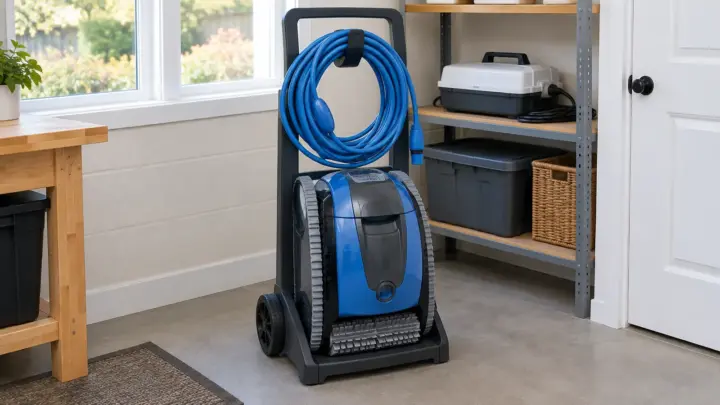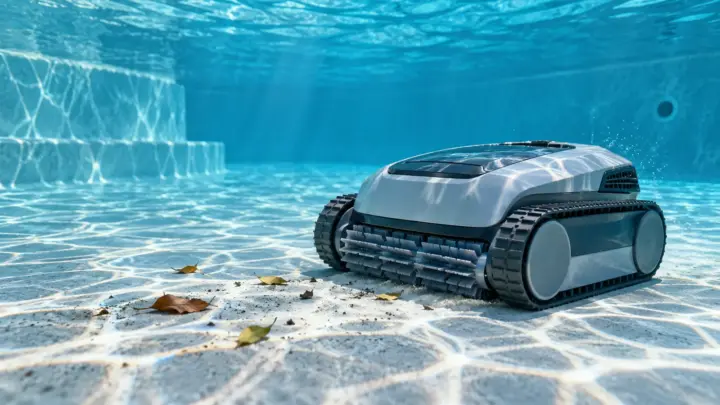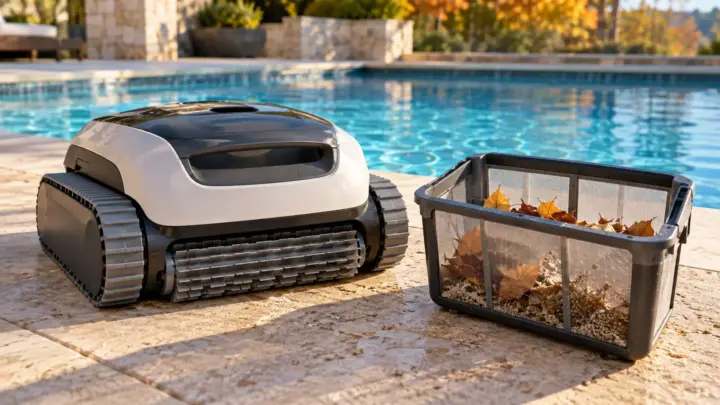
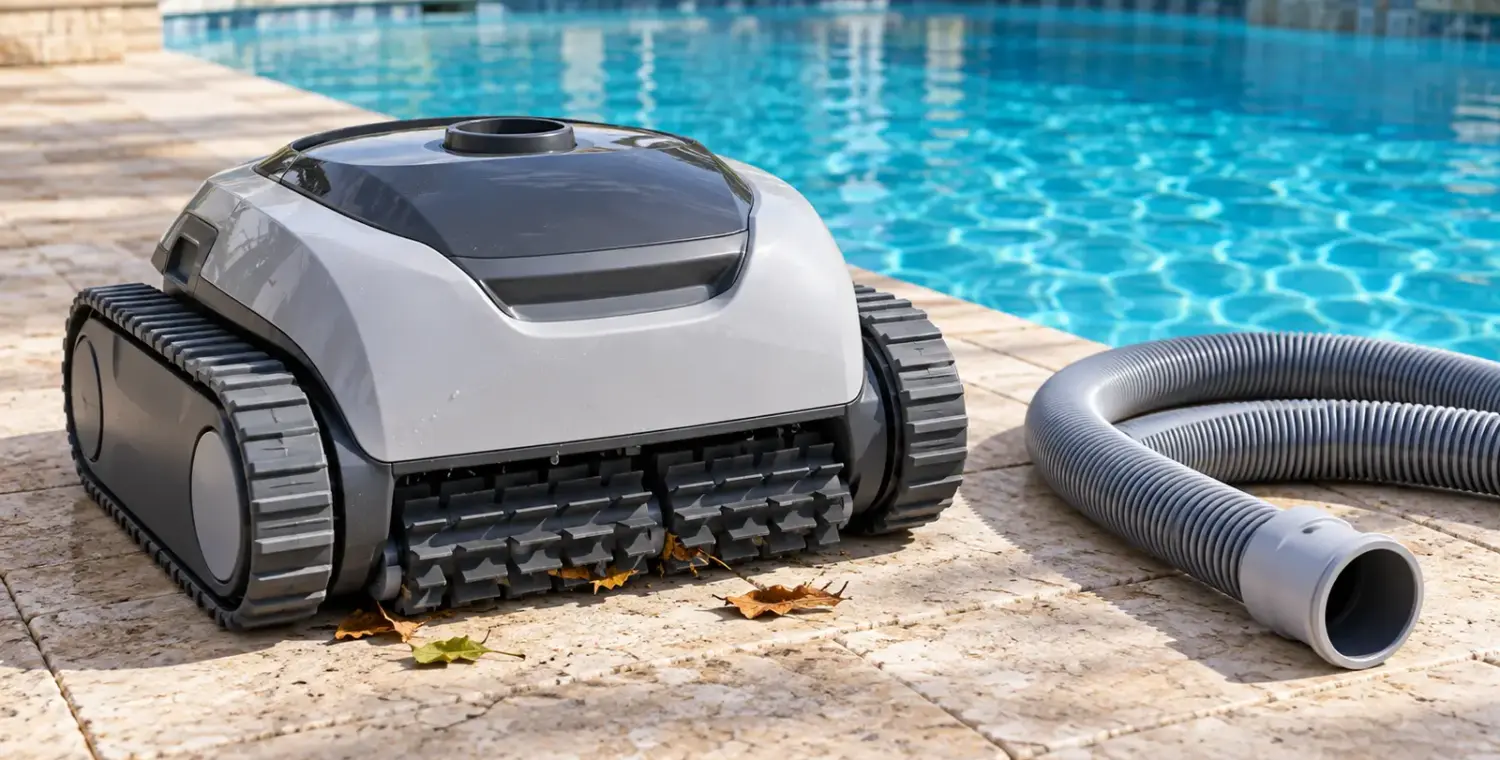
If a pool cleaner stops moving, first identify its type and safely check its supply, collection path and visible obstructions. A suction cleaner depends on pool-system flow; a pressure cleaner depends on its specified pressure supply; a robotic cleaner has its own power and drive system. The same symptom does not mean the same repair.
Stop immediately for damaged wiring, a protective-device trip, a leaking or abnormal pressure system, or an unsafe suction fitting. Keep swimmers out. Before touching hoses, baskets or moving parts, follow the equipment’s shutdown and isolation instructions. This guide helps organize owner checks; it does not replace a model’s service manual.
Identify the cleaner before changing anything
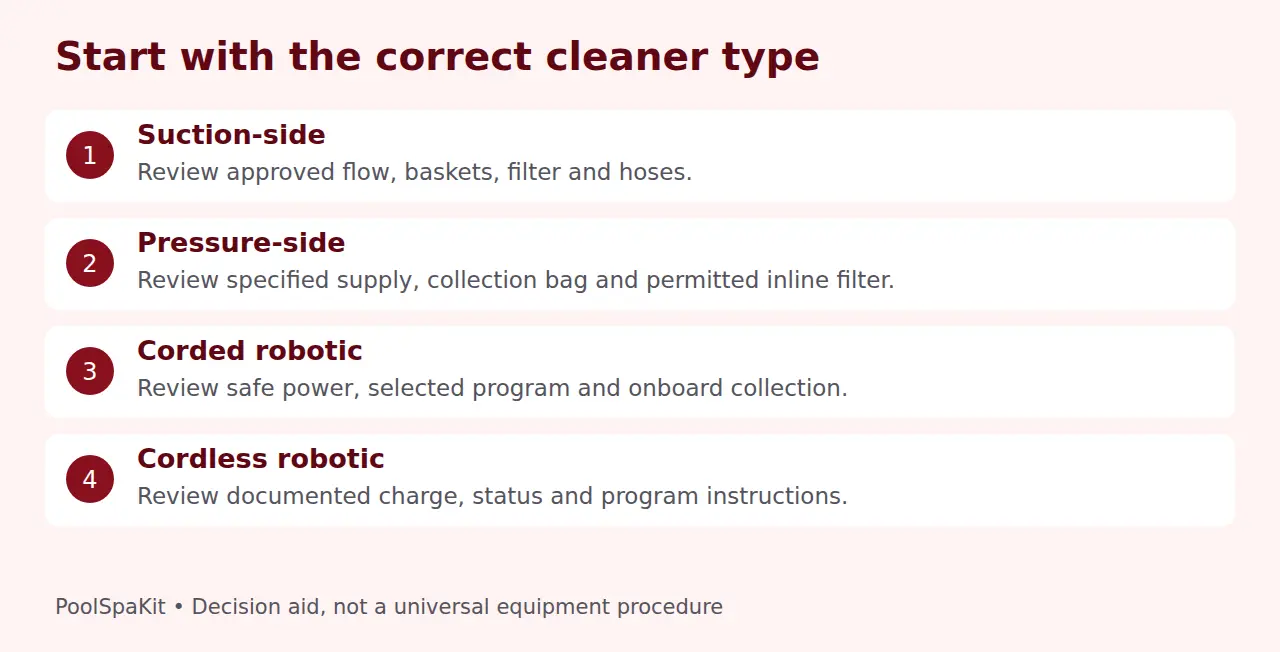
Read the model label and find the corresponding manual. Do not classify equipment by its appearance alone: a wheeled pressure cleaner and a tracked suction cleaner can both have hoses, while some robotic models are corded and others use batteries.
| Cleaner type | Start with | Avoid assuming |
|---|---|---|
| Suction-side | Documented pool flow, basket/filter condition and hose setup | More pump speed is always better |
| Pressure-side | Specified supply, permitted inline filter and hose arrangement | Every model needs the same booster or pressure |
| Corded robotic | Safe power supply, program state, onboard filter and obstructions | A lit control box proves the drive is working |
| Cordless robotic | Charge/status instructions, selected program and onboard collection | Corded power-reset instructions apply |
Describe the symptom precisely. No lights, lights but no movement, slow movement and movement confined to one area are different observations. Note whether the failure started after a cleaning, schedule change, hose replacement or heavy debris event. That history can narrow the next safe check.
Suction cleaner: check the flow path
Confirm that the pool pump is operating in the approved cleaner mode. Check the visible water level and normal system observations from a safe position. Air bubbles or a pump that is losing prime can indicate a wider circulation problem; stop rather than letting a pump run without its required water supply.
Inspect and clean skimmer and pump baskets only with the prescribed shutdown, pressure-release and restart procedure. Check whether the pool filter needs its normal service. The skimmer-basket cleaning guide and filter-pressure troubleshooting guide cover those separate tasks. Never loosen a filter clamp to see whether it helps.
With the cleaner’s suction supply isolated, inspect hoses for visible cracks, loose permitted connections, kinks or trapped debris. Compare the length and float placement with the manual. A hose that is too short may restrict reach; an incorrect arrangement may affect coverage even when the cleaner moves.
Zodiac’s MX8 manual lists flow, basket/filter restrictions, air and engine debris among checks for slow or stopped movement. It also provides its own wheel-timing method. Do not transfer that timing range, drain-valve arrangement or regulator setting to another cleaner or unfamiliar plumbing.
If your model provides an owner-accessible blockage procedure, follow it exactly. The MX8 requires its suction pump off and the cleaner disconnected from the hose before clearing the engine. Keep hands, hair and clothing away from open suction fittings; never use your body to test suction.
Pressure cleaner: check its specified supply
Confirm which equipment supplies the cleaner. The Polaris Vac-Sweep 280 is an example requiring a booster pump, but that feature is not universal. Check that the approved operating sequence and schedule are intact. Do not run a booster without the supply conditions its instructions require.
Look for a loaded collection bag, a kinked hose or an obvious loose connection while the system is safely off. Check permitted inline filters using the exact shutdown procedure. Polaris’s manufacturer troubleshooting highlights inline-filter blockage as one reason its addressed pressure cleaner may move slowly or stop.
Wheel-speed or pressure checks can be useful only when performed through the model’s specified safe test. A manufacturer’s RPM range is not a generic target. Do not remove a restrictor, bypass a relief device or increase pressure simply because an online example recommends it.
If supply appears normal but motion remains absent, internal drive or water-management service may be needed. Leave pump wiring, inaccessible jets and uncertain pressure faults to the appropriate qualified professional. Record the model and symptom before ordering replacement parts.
Robotic cleaner: distinguish power from a cleaning command
From a dry, safe location, check the documented status indicators and whether a cycle was actually selected. A timer delay, completed program or floor-only mode may explain behavior that looks like a fault. An app connection problem is not necessarily a motor problem.
For corded equipment, inspect visible cable condition without opening the supply. Follow the manufacturer’s shutdown and restart process only when the cable, outlet and installation are safe. Do not substitute an extension cord, unapproved supply or arbitrary nearby outlet. Repeated GFCI trips require qualified investigation, not repeated resets.
For cordless equipment, consult its battery and charging instructions. Confirm that charging completed and that the selected program started as documented. Keep chargers and connectors within their specified dry-handling conditions. Do not improvise a corded reset procedure or open a battery compartment not intended for owner access.
Once the robot is isolated according to its instructions, check the removable onboard basket or filter. Clean and reinstall it correctly. Confirm that any accessible lid or latch is closed as directed. A restricted filter may affect performance even when the power indicator appears normal.
Maytronics’ powered-on-but-not-moving FAQ identifies impeller and track obstructions and directs persistent faults to service. That does not authorize opening every robot. Refer to the exact model’s accessible maintenance procedure; leave sealed electronics, motors and unfamiliar covers alone.
Check visible wheels, tracks and pool obstacles
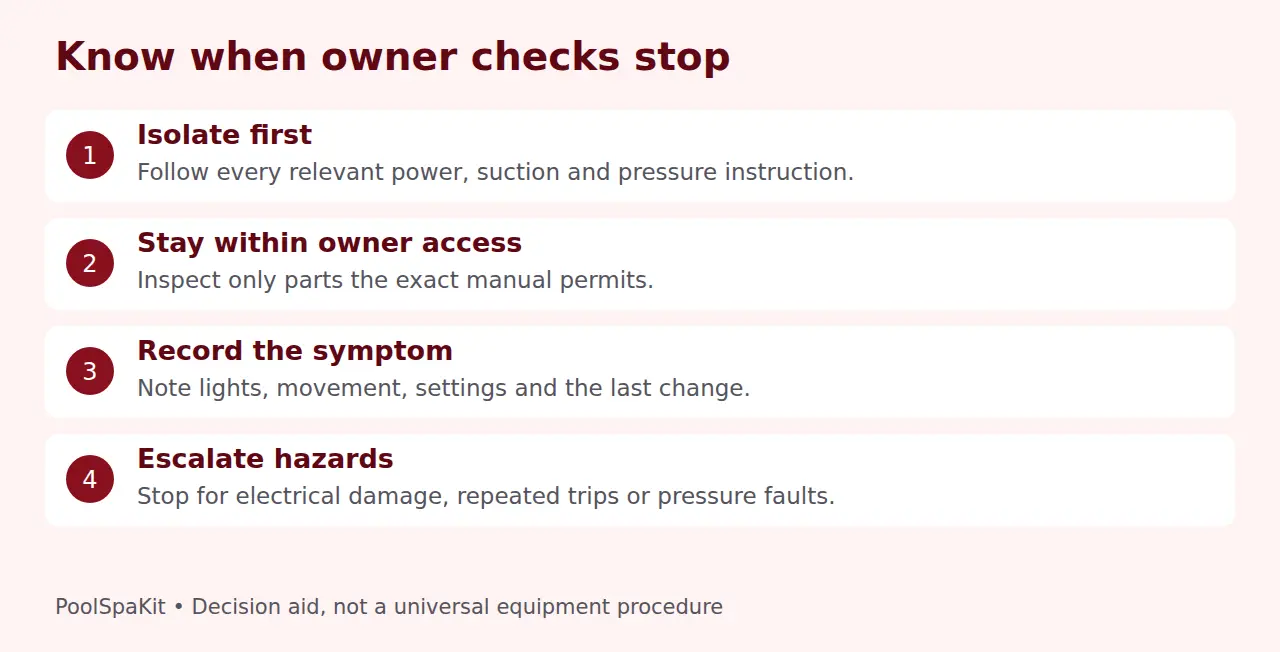
With all relevant power and suction isolated, look for accessible leaves, toys, string or other material caught around the cleaner. Remove only what the owner-maintenance instructions permit. Do not put fingers into an intake or force a mechanism to rotate to prove it is free.
Look for obvious external damage or a displaced track without dismantling the drive. A replacement part must match the model and permitted service procedure. A belt or track that appears similar is not sufficient evidence of compatibility.
If the cleaner moves but repeatedly stops at a step, ladder or drain area, compare the pool layout with its supported coverage. Check hose or cable routing and allowed accessories. Do not remove a protective drain cover or safety device to free a cleaning path.
Slippery surfaces can matter too. The MX8 manual specifically identifies algae as a traction problem. Investigate the water condition instead of treating extra flow as the answer. Our cloudy-water guide helps keep water diagnosis separate from cleaner mechanics.
Use observations to choose the next action
- No status lights: follow safe supply/status checks; escalate questionable electrical conditions.
- Lights but no movement: confirm program state, then permitted filter and obstruction checks after isolation.
- Moves slowly: investigate documented flow or collection restrictions for that cleaner type.
- Moves but misses areas: check geometry, routing and supported coverage rather than assuming a failed motor.
- Stops again after clearing: identify the recurring debris or seek model-specific service.
Change one permitted condition at a time and note the result. Avoid combining a pump adjustment, hose change and filter swap in one experiment; it makes the observation harder to interpret. Restore normal approved settings if a trial does not resolve the issue.
When to stop and request service
Stop for exposed or damaged electrical components, repeated protective-device trips, burning odors, abnormal pump operation, pressure leaks, unsafe suction fittings or inaccessible blockages. CPSC’s pool electrical guidance and Hayward’s robot safety instructions support a clear boundary around qualified electrical work.
For a persistent mechanical fault, provide the cleaner’s model, serial number, status/error code, when the problem began and the owner checks completed. Photos of accessible external damage can help a dealer; do not create a hazardous powered demonstration for a video.
Confirm warranty and authorized-service requirements before disassembly. This guide does not diagnose an internal motor, circuit board or gearbox from a symptom alone. A clean filter and a lit control box are useful observations, not proof that an expensive replacement is necessary.
Two common questions
Should I increase pump speed until a suction cleaner moves?
No. Use its documented flow test and preserve all connected equipment limits. Too much flow can also be unsuitable. If the required flow cannot be obtained safely, investigate restrictions or installation compatibility with professional help.
Can I keep swimming while checking the cleaner?
Keep swimmers out during operation and troubleshooting as the cleaner’s instructions require. Do not ask someone in the water to hold a suction hose or a powered mechanism for a test. Restart only through the approved procedure after the safe checks are complete.
Research checked October 1, 2026. We only claim hands-on testing when we’ve actually tested the product ourselves.
Sources and references
- CDC: Home Pool and Hot Tub Water Treatment and Testing
- CPSC: Electrical safety around pools
- Hayward: Robotic Cleaner Safety Instructions, 8180000 Rev 01
- Polaris: Vac-Sweep 280 pressure-side cleaner documentation
- Zodiac: MX8 Owner’s Manual
- Polaris: Cleaner Not Moving
- Maytronics: I can power my Dolphin on but it does not move